
What equipment does a music bingo host need?
What equipment does a music bingo host need?
Nov 06, 2026
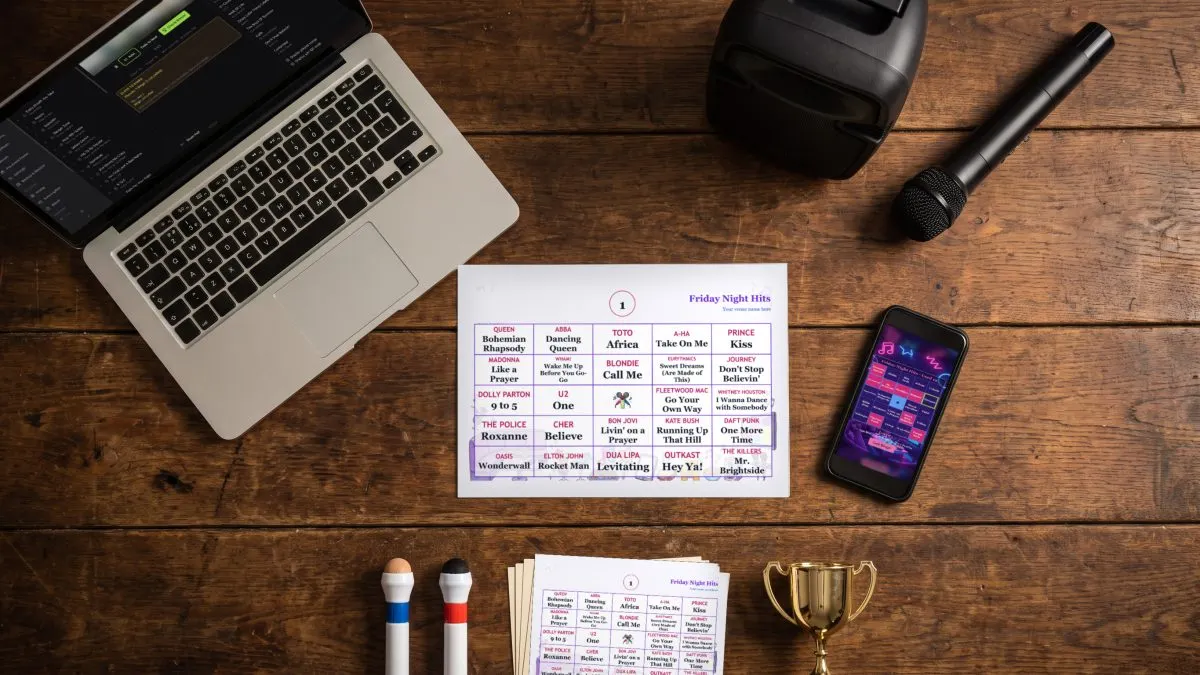
To host music bingo you need four things: a laptop running music bingo software, a speaker or the venue's sound system, a microphone, and cards, printed or on players' phones. A TV or projector, a printer and an internet connection make the night better but aren't all essential. Here's the full kit list, and what you can do without.
The essentials
Help: Does Phenom Bingo work on Mac and Windows?
Worth having
- A TV or projector. It shows the music video, the song title, the winning pattern and the winning card. Connect it to the laptop set it as an extended screen, and Phenom Bingo opens the game window on it full screen. Help: How do I show the Phenom Bingo game on a TV or projector?
- The right video cable and adapter for your laptop, plus a spare. Check what the venue's screen takes before the night.
- A printer, if you'll use paper cards. Help: How do I make and print music bingo cards in Phenom Bingo?
- Pens or daubers for paper players.
- An internet connection for phone players. Only the host laptop needs to be online; players use their own mobile data. A phone hotspot works.
- Your phone as a remote. Phenom Bingo's mobile remote lets you play, pause, skip from anywhere in the room. Your phone and laptop need to be on the same Wi-Fi. Help: How do I control Phenom Bingo from my phone?
- A power board and extension lead. Power points are never where you need them.
What you can do without
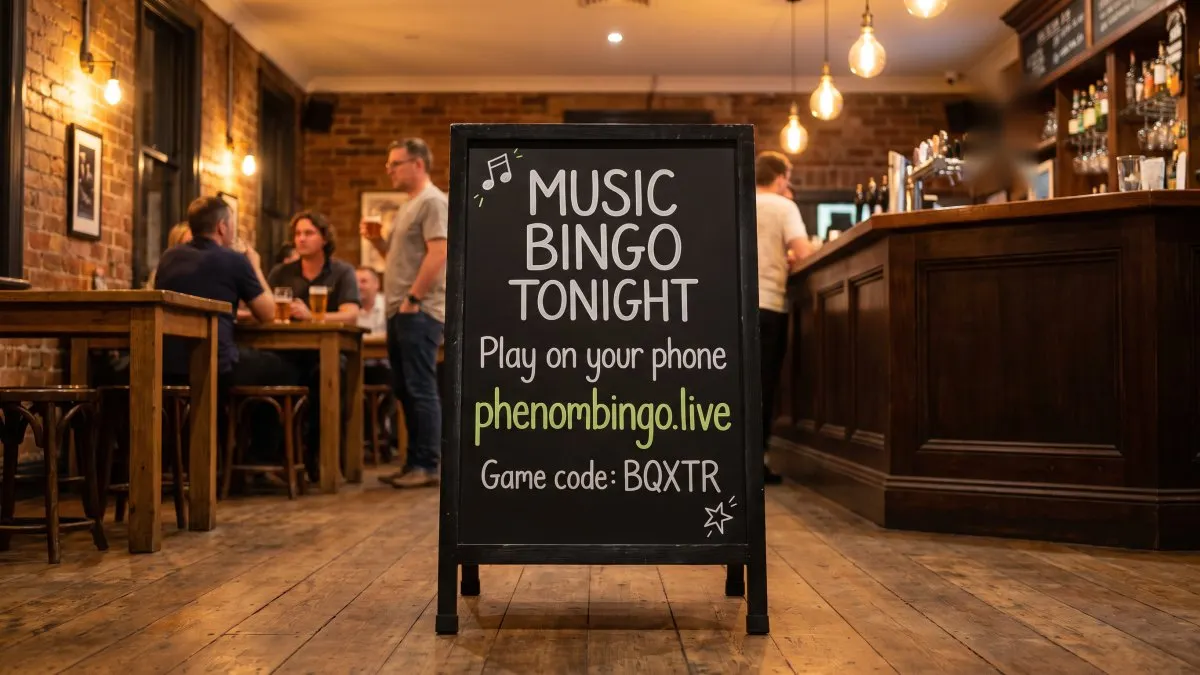
- No screen? Players join on their phones by typing the game code at phenombingo.live, and you announce the songs or allow players to use Shazam (or similar). Help: How do players join a Phenom Bingo game without a QR code?
- No internet? A paper night runs without it: the music, the cards, the projector and winner checks all work offline. Help: Does Phenom Bingo need the internet at the venue?
- No printer? Run a phones-only game.
- No music videos yet? Phenom Bingo's free Demo Night playlist lets you practise, and the Music Bingo Starter Kit gives you ready-made playlists. Help: How do I use the Music Bingo Starter Kit in Phenom Bingo?
A pre-gig checklist
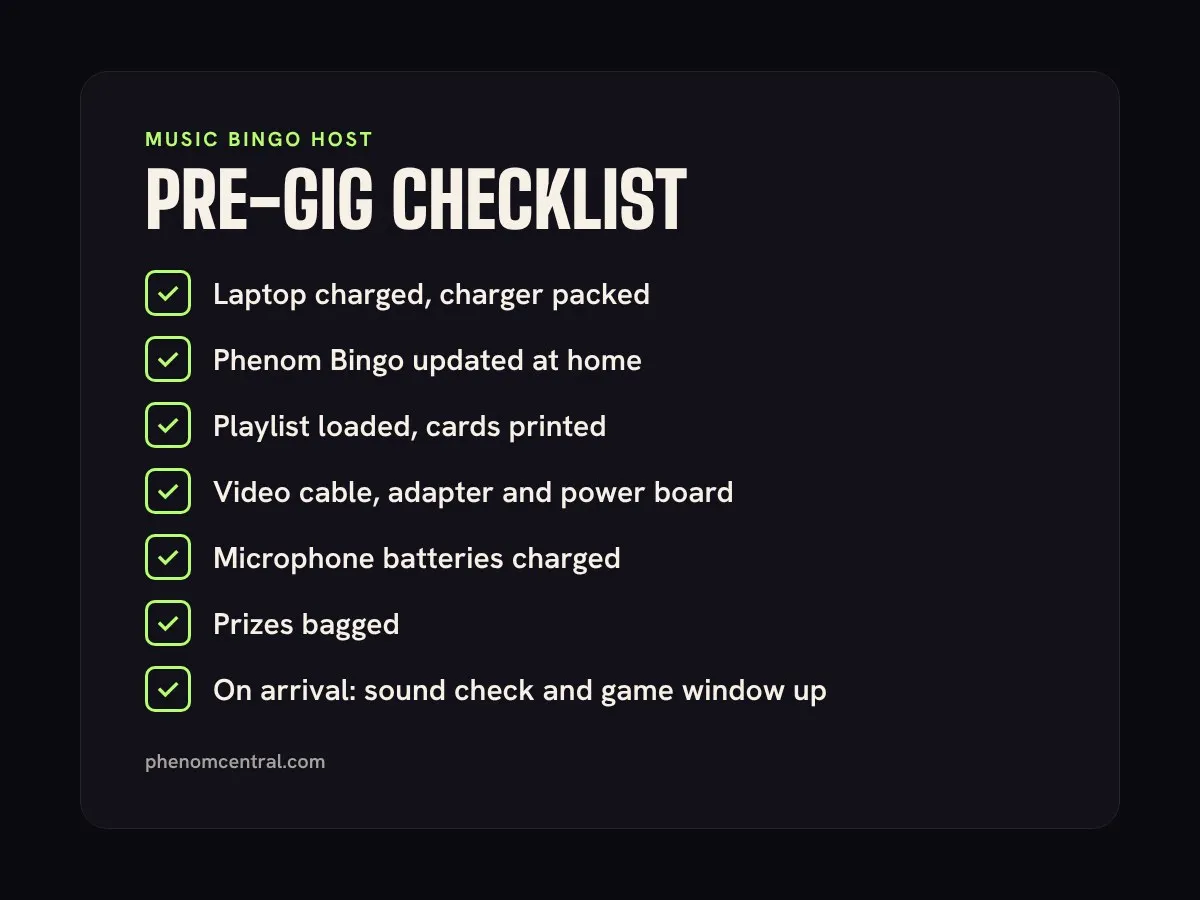
- Laptop charged, with the charger packed.
- Phenom Bingo updated at home, not at the venue. Help: How do I update Phenom Bingo?
- Playlist loaded and cards printed.
- Video cable, adapter and power board packed.
- Microphone batteries charged.
- Prizes bagged.
- On arrival: test the sound at full-room volume, and open the game window on the venue screen.
If the laptop only ever goes to venues without internet, connect it at home between gigs. Phenom Bingo needs to reach its server at least every 14 days to check your subscription.
Frequently asked questions
Can I run music bingo from a phone or tablet? You run the game from a Mac or Windows laptop. Your phone can then act as a remote. Players only need a phone with a web browser.
Do players need the venue's Wi-Fi? No. Players join over their own mobile data or any Wi-Fi.
What if the venue's internet drops? The Phenom game relay holds a phone game open for up to five minutes while the laptop reconnects. Help: What happens if the host loses internet during a Phenom Bingo game?
Can I add sound effects? Yes. Add your own clips and play them from a sound bar during the game. Help: How do I add sound effects and a sound bar in Phenom Bingo?
Get set up with a 14-day free trial at phenomcentral.com/phenom-bingo.