
How to run music bingo without a projector or TV
How to run music bingo without a projector or TV
Nov 03, 2026
You don't need a projector or TV to run music bingo. The songs play through a speaker and players mark their cards on paper or on their phones. With Phenom Bingo, players can join a digital game by going to phenombingo.live and typing in the game code, so there's no need to put a QR code on a screen.
This guide covers how to set it up and how to keep the game running smoothly without a big screen.
What a screen normally does
At most music bingo nights, the screen does two jobs. It shows the QR code players scan to join, and it plays the music video while the song is on. Without a screen, you replace the first with a game code and the second with your voice.

Setting up a game without a screen
- Open Phenom Bingo and go to Play Game. Choose your playlist.
- Click Start Digital Game. The app shows a game code on your laptop screen.
- Tell players where to go. Ask them to open phenombingo.live on their phone and type in the code. Help: How do players join a Phenom Bingo game without a QR code?
- Turn on auto-accept. In Game Settings, on the Digital tab, tick Auto-accept join requests. Players get straight in while you keep talking to the room. Help: How do I auto-accept join requests in Phenom Bingo?
- Hand out paper cards to anyone who'd rather not use a phone.
- Start the game and play the first song through your speaker.
Getting the game code to everyone
- Say it clearly, letter by letter, and repeat it a couple of times while people join.
- Write it on a whiteboard or a sheet of paper near the bar.
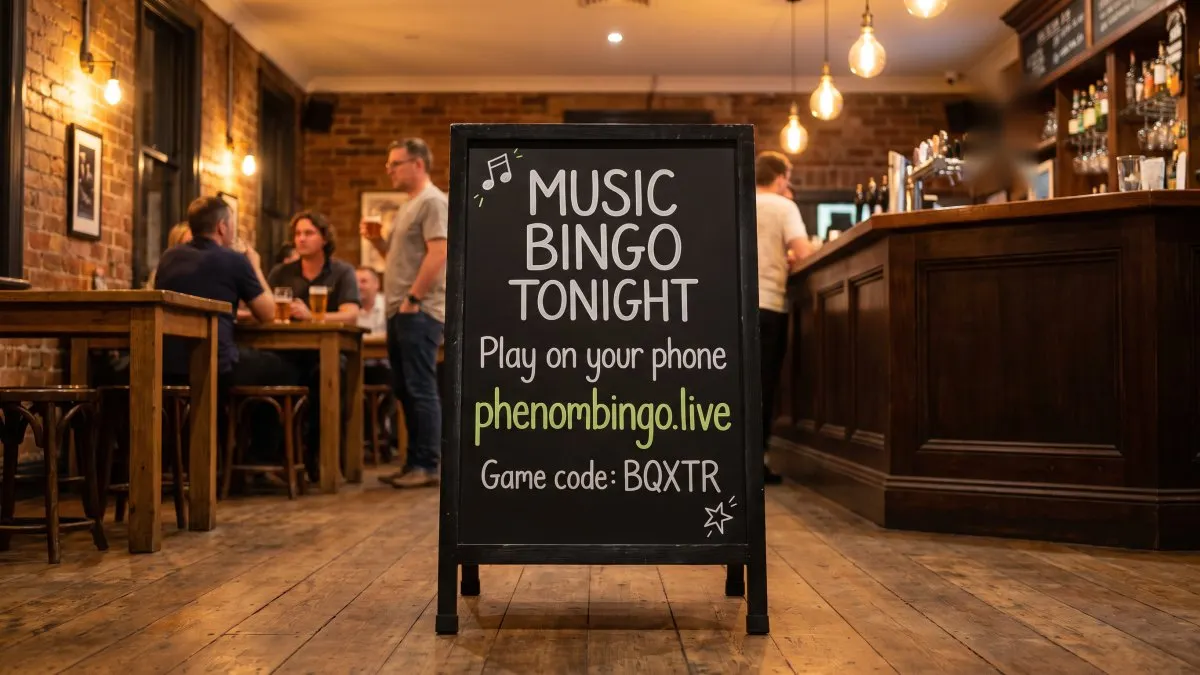
Players who arrive late can join the same way. With auto-accept, you can choose to let people in automatically until the game starts or until a set song number. After that, you approve each request yourself.
Running the game
Without a screen, you're the show. A few habits keep the energy up:
- Talk over the song intros. Hint at the decade or play a line of banter, but never say the title.
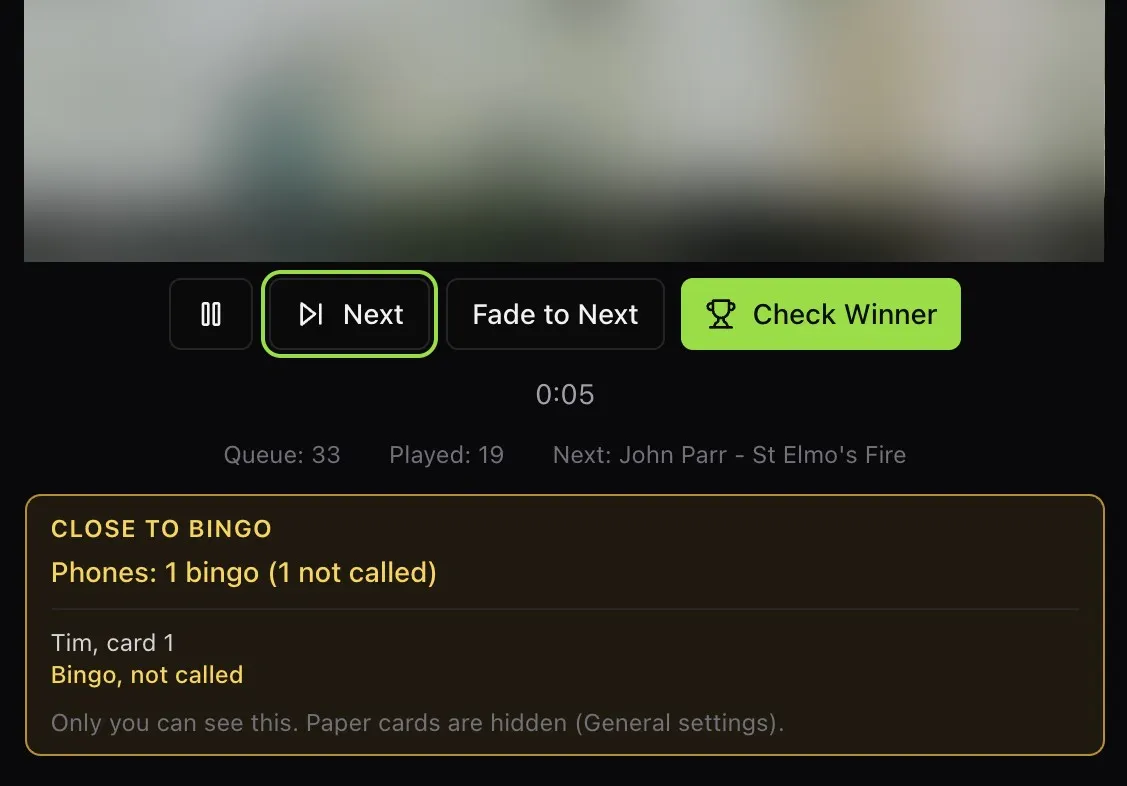
- Keep an eye on Close to bingo. It shows you who's one song away and which song they need, so you know when to build the tension. Help: What does the Close to bingo panel show in Phenom Bingo?
- Use the keyboard shortcuts to keep moving: N for the next song, P to pause and play, F to fade to the next song, and W to check a winner.
Players' phones stay awake while their cards are on screen, so nobody misses a song because their screen went dark.
What if the internet drops?
Phenom Bingo's game relay is built for patchy venue Wi-Fi. If the host's laptop loses connection, the relay holds the game open for up to five minutes and tells players' phones that the host is reconnecting. When the laptop is back online, the game carries on where it stopped.
Help: What happens if the host loses internet during a Phenom Bingo game?
Frequently asked questions
Can players join without scanning a QR code? Yes. They go to phenombingo.live and type in the game code.
Do I need a second screen for the host? No. Everything runs from one laptop, and the game window opens on your laptop if no external screen is connected.
What if I get a TV later? Plug it in. When a TV, monitor or projector is connected, Phenom Bingo opens the game screens on it and maximises them automatically.
Can I mix paper and phone cards without a screen? Yes. Paper and phone cards work in the same game, with or without a screen.
Want to try it first? Start a free Phenom Bingo trial at phenomcentral.com and run the free Demo Night playlist on your laptop.